Get WhizWiz on every device
Install the app on your phone, open it in a browser, or run it on the desktop. One account, the same conversations everywhere. WhizWiz is the showcase version of the platform; your organization gets the same app under its own name.
- iOS
- Android
- Web
- Desktop
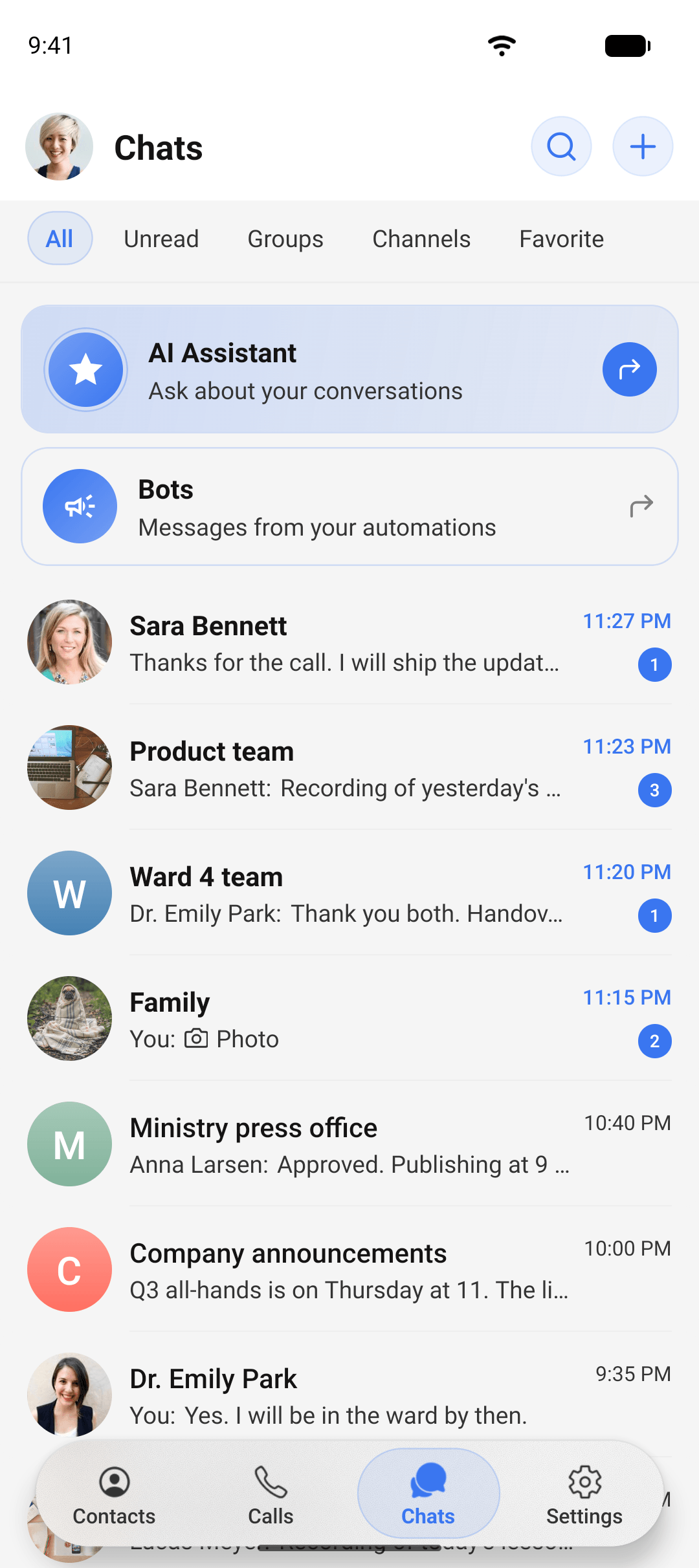
One account on iOS, Android, web, and desktop
iOS
For iPhone and iPad. Calls ring through the phone's own call screen.

Android
For Android phones and tablets, with native call integration and notifications.

Web
Nothing to install. Link your browser by scanning a QR code from the app on your phone.
Desktop
Available for your organization's deployment. Ask your admin for the installer.
Link a browser in three steps
- 1
Open the web app
In any browser, open the web app. It shows a QR code and waits for your phone.
- 2
Scan the code from the phone
On your phone go to Settings, Linked devices, and scan the code. The browser joins your account.
- 3
Chat
Messages, calls, and settings appear on every linked device. Read on one, it is read on all. See every device, when it was last active, and sign any of them out from the Linked devices screen.
Want this for your whole organization, under your own name?
Every organization gets its own deployment and its own branded app in the stores. Tell us what you need.