Your app, your name, your colors
A fully branded client generated from one manifest: your own iOS and Android apps in the stores, a desktop app to match, and your domain behind all of them. Pick a brand to see it change.
- Name and icon
- Light and dark palettes
- Sounds
- Your domain
- Your store listing
Chats
WhizWiz
From one manifest to the stores
- 1
One manifest
One manifest per organization describes the app name, icon, colors, sounds, domain, and store listing.
- 2
Generated app
From it we generate a fully branded client for iOS, Android, and the desktop. Not a stock app with a logo swapped.
- 3
Store listing
A separate iOS app and a separate Android app under your name, with your own listing in each store.
Everything the manifest decides
Name and icon
Your app name on the home screen and your icon in the dock. The manifest sets both, for every platform at once.
Colors and themes, light and dark
Set a light palette and a dark palette and the whole app follows: screens, bubbles, buttons, and icons. Users switch between light and dark on their own and your brand holds in both.
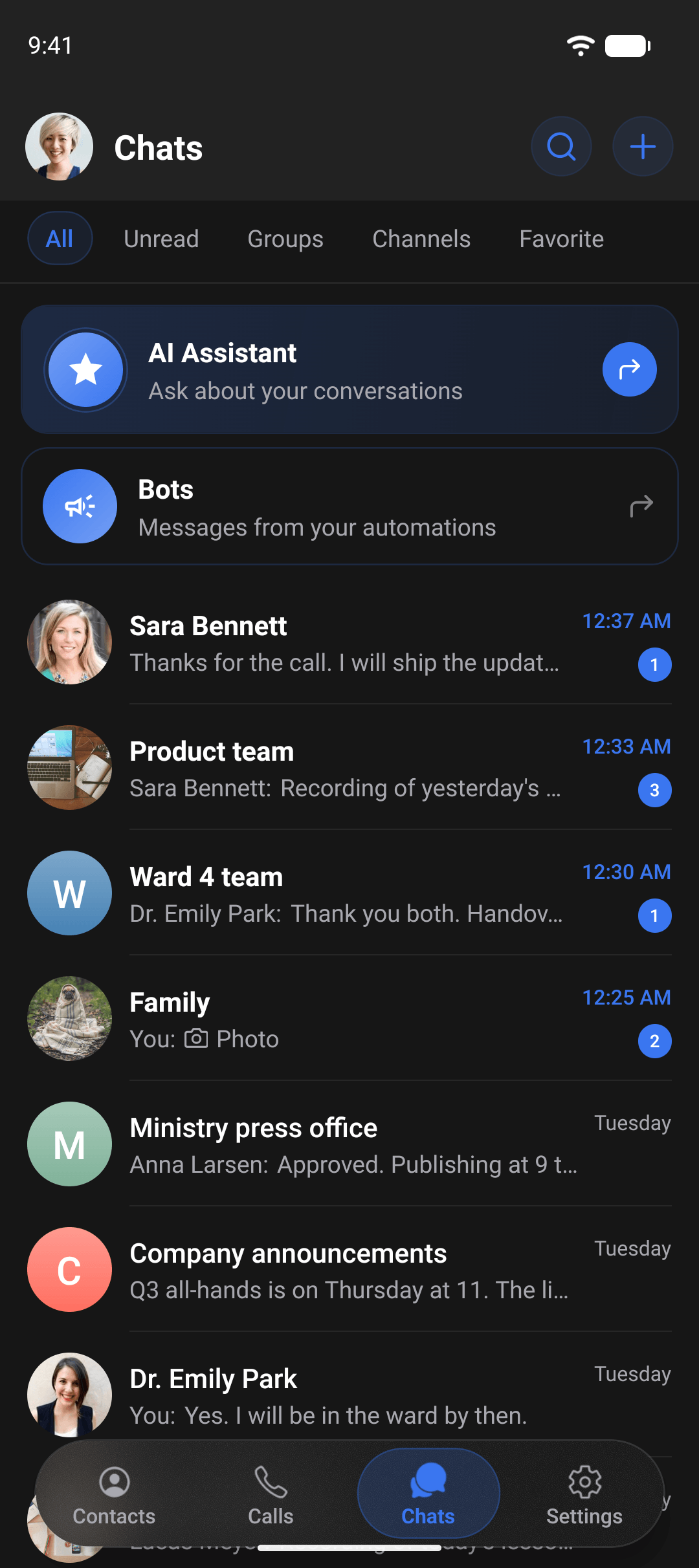
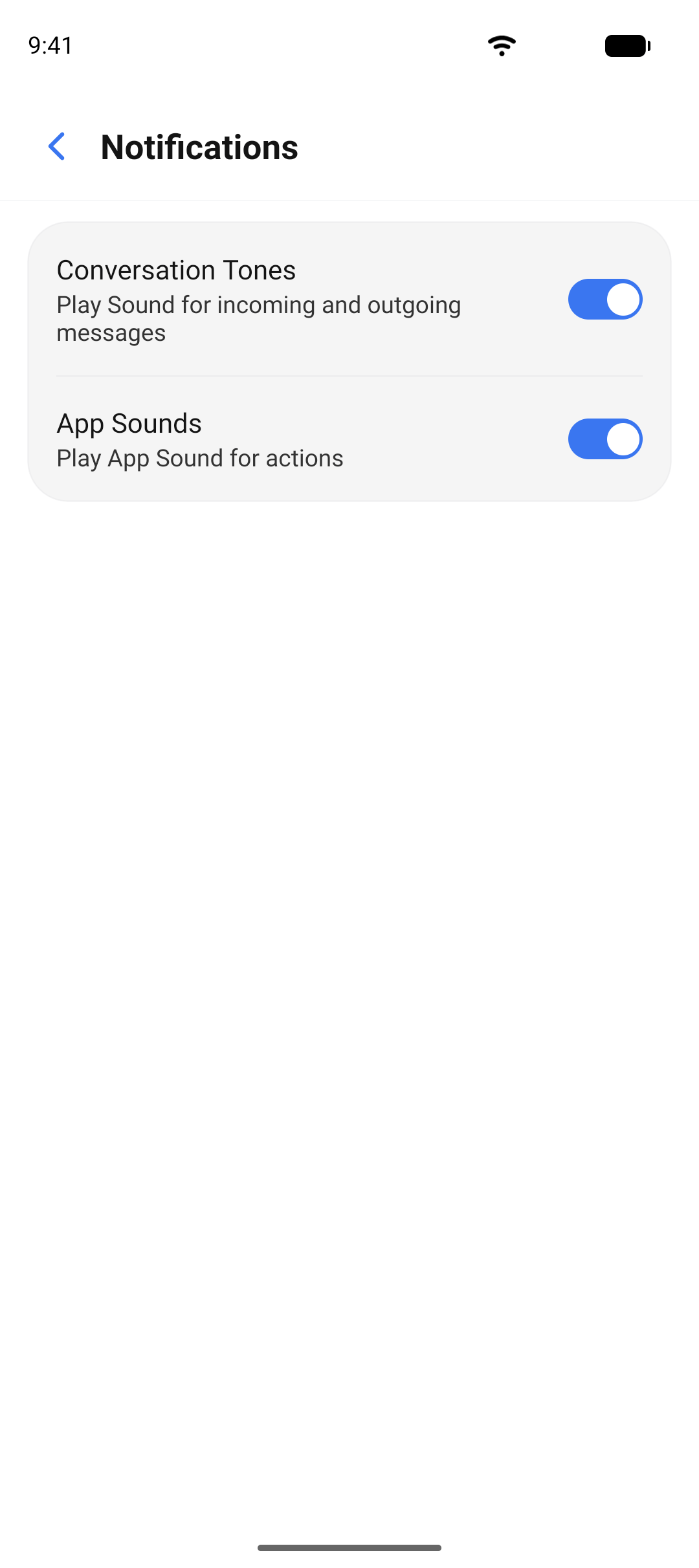
Sounds and icons
Notification sounds and notification icons are part of the manifest, so a message from your app sounds and looks like your app on the lock screen.
Your domain
The app talks to your deployment at your domain. Links to chats and meetings carry your name, and the mobile app trusts only your deployment's certificate.
A desktop app in your brand
The desktop app is built per brand as well. Name, icon, and colors match the mobile apps, so your people see one product on every screen.
Separate iOS and Android store apps
The result is a separate iOS app and a separate Android app under your name, each with its own store listing.
Not just the brand. The platform is built for you
Branding is the visible part. Underneath, every deployment is shaped to the organization that runs it: features can be switched on or off, changed, or built new to fit how you work.
Features switched to fit
File sharing, calls, media encryption, auto-delete, the AI assistant, bots: on or off per organization, from the admin console.
Features built on request
A workflow your organization needs and the app does not have yet can be built for your deployment. Ask, and we scope it with you.
Features removed
What your policy does not allow does not ship. A feature can be taken out of your app entirely, not only hidden behind a switch.
Common questions about branding
Yes. Each organization gets separate iOS and Android store apps with its own name, icon, and store listing.
See your brand on the app.
Send us your name, logo, and colors and we will show you what your app looks like.