Calls that ring like a phone call
Voice and video, one to one or with the whole team, on a phone, in a browser, or on the desktop. Hold, swap, share your screen, and see who is talking.
- Voice and video
- Group calls
- Screen share
- Hold and swap
- Lock-screen answer
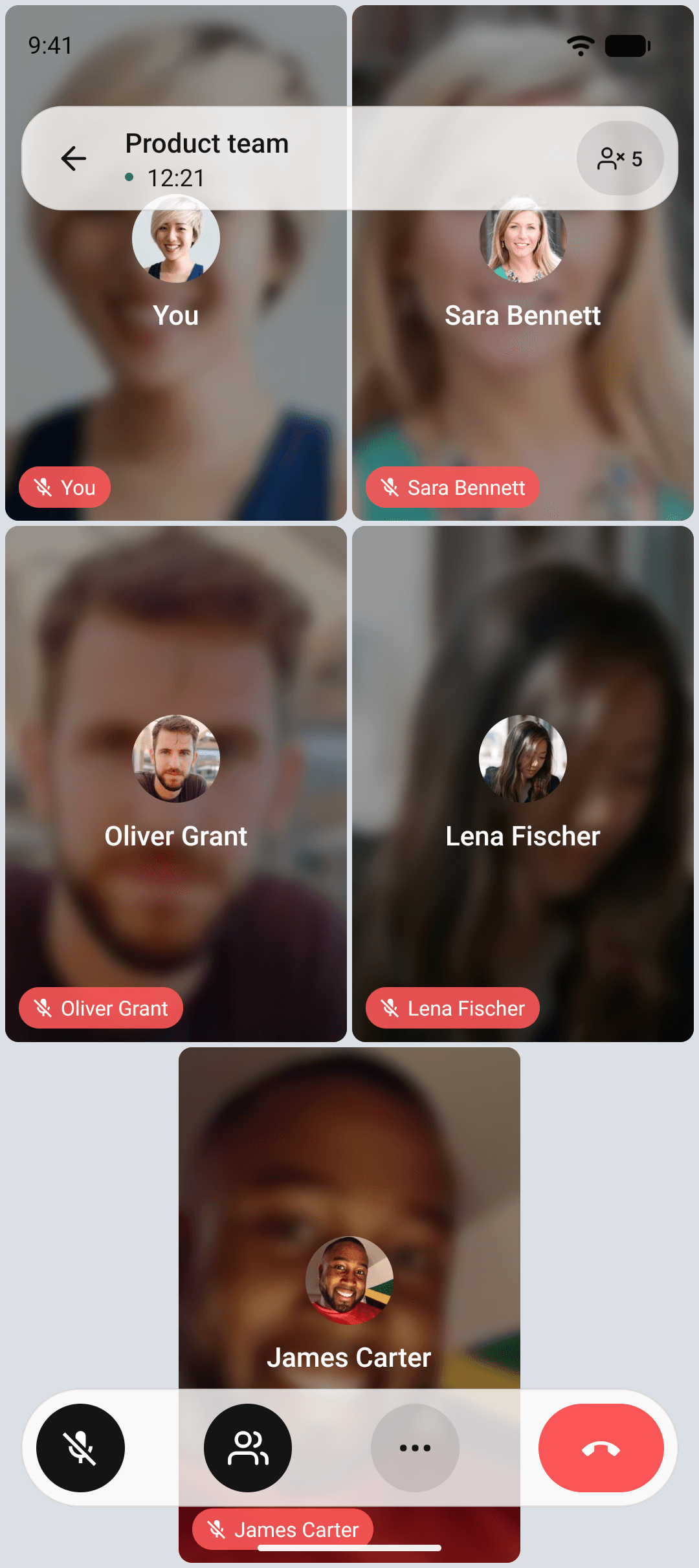
Answer from the lock screen
Every call rings through the phone's own call screen, so you answer a call from the app the way you answer any other call. The app adapts to the network it finds, so a call on a weak connection stays a call instead of a slideshow.
- Rings on the system call screen
- Adapts to the network it finds
- Starts on the audio device you already have on
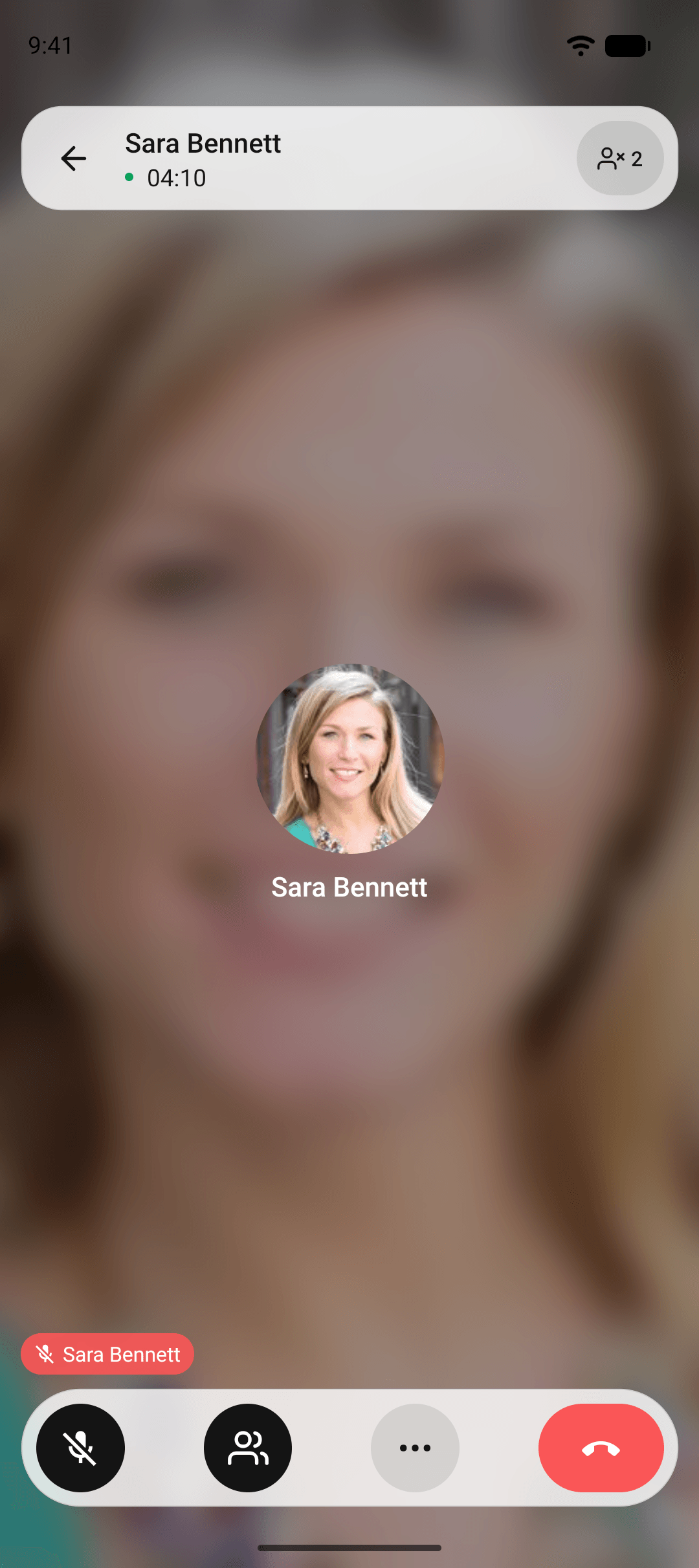
Everything you reach for mid-call
Screen share
Share your screen from a phone, a browser, or the desktop app, and stop it with one tap.
Hold and resume
Put a call on hold to take another. Mic and camera come back exactly as they were.
Swap between calls
Two calls at once, one active and one on hold. Swap without dropping either.
Audio routing
Earpiece, speaker, or headset. The call starts on the device you already have on.
Add people mid-call
Bring a colleague into a running call from the participants sheet.
Who is speaking
The active speaker is highlighted in group calls, on every routing mode.
Routed the way your organization wants
- 1
Small calls connect directly
Participants talk to each other with nothing in between, the lowest latency there is.
- 2
Big calls go through a media server
It mixes nothing and forwards everything, so quality holds as people join.
- 3
Your admin picks the mode
One setting in the console decides how your organization's calls are routed.
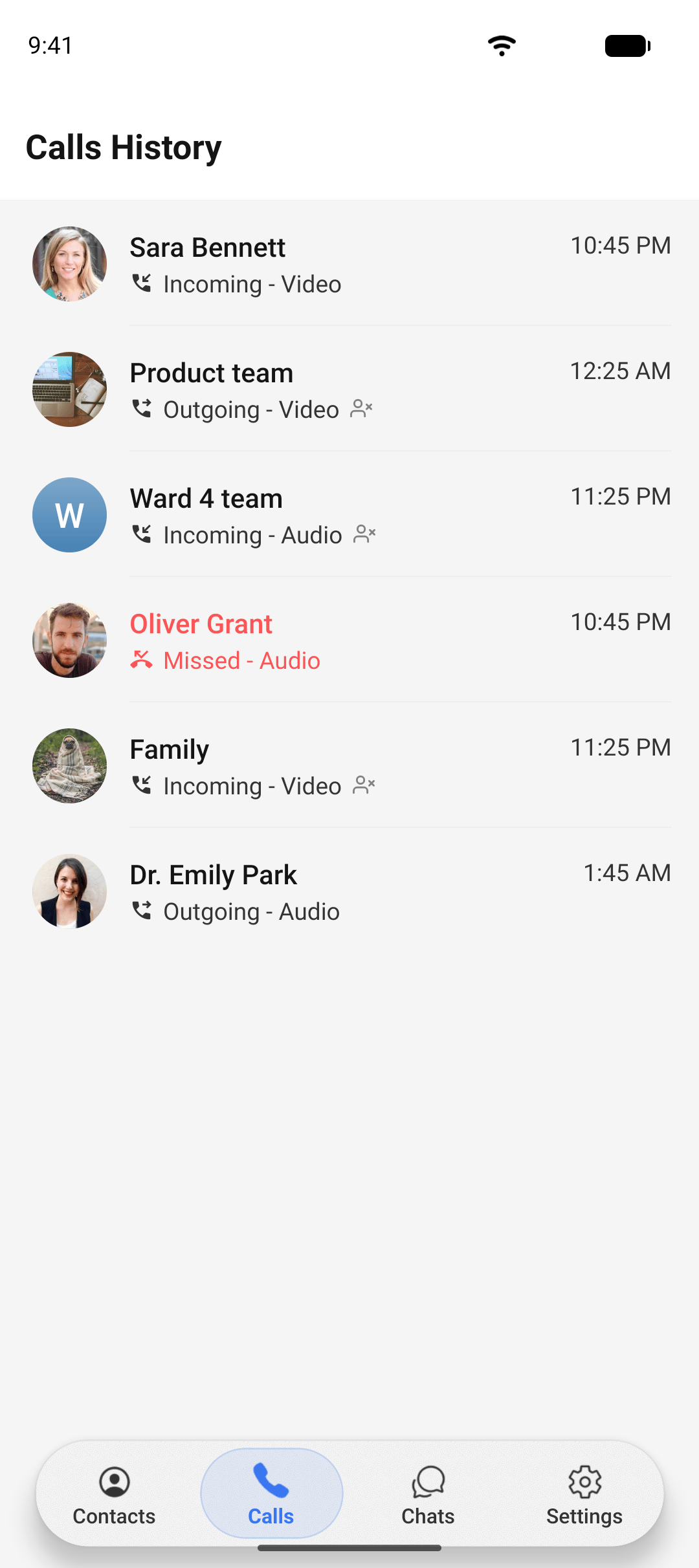
A history that shows what really happened
Every call lands in a history with who was on it, when it started, how long it lasted, and how it ended. Missed, declined, and answered are separate states, not guesses. For regulated teams, the same timeline is available to auditors through the admin console.
Common questions about calls
Call media is encrypted between your device and the call infrastructure of your deployment. Because your organization runs that infrastructure, no third party sits on the path.
See how calls fit your organization.
Ask us about routing modes, limits, and the call auditing available to regulated teams.