Encrypted end to end, on your infrastructure
MLS or Signal, chosen by your admin. Safety numbers you can verify, a screen lock, backups only you can open, and a device list you control.
- MLS, RFC 9420
- Signal protocol
- Safety numbers
- Screen lock
- Encrypted backups
- Device approval
Board approved the budget. We announce on Monday.
your server sees only this
2
End-to-end encryption protocols in every deployment, MLS and Signal
1
Switch in the admin console to change between them
30
Days at most that an undelivered message is held, encrypted, before it is dropped
0
Third parties on the path. Your organization runs the servers
MLS or Signal, your admin's choice
The platform ships with two end-to-end encryption protocols: MLS, the IETF standard in RFC 9420, and the Signal protocol. Both are available in every deployment. Your organization's admin chooses which one the deployment uses and can switch between them from the admin console.
- Both protocols in every deployment
- Switched from the admin console, not by a vendor
- Client-server encryption where auditing requires it
MLS
The IETF standard, RFC 9420
Built for groups. Keys change with the membership, so a removed member is out.
Signal
The longer-established design
The protocol most security teams already know and have reviewed.
Where auditing requires it
Client-server encryption
Authorized reviewers read what policy says they must. The choice is visible to the people who run the deployment.
Security you can see and use
Lock the app, not just the phone
Face, fingerprint, or passcode to open the app, even when the phone is already unlocked. Set how long it can sit in the background before it locks again. A shared table or a borrowed phone does not mean a shared inbox.
Safety-number verification
Compare a safety number in person or scan it to confirm you are talking to the right person, not a device in between.
Device approval
A new device has to be approved from one you already hold. Nobody links a browser to your account without you seeing it.
Backups only you can open
Back up chats and media to your deployment's storage, encrypted with a password that only you hold. Nobody else can restore it, including the people who run the servers. Lose the password and the backup stays sealed, which is the point.
Remote logout
The linked devices list shows every phone, browser, and desktop that can read your messages. Log one out from your phone and it stops receiving messages immediately.
Certificate pinning
The app only talks to your deployment's servers, with certificates it already knows. A forged certificate gets nothing.
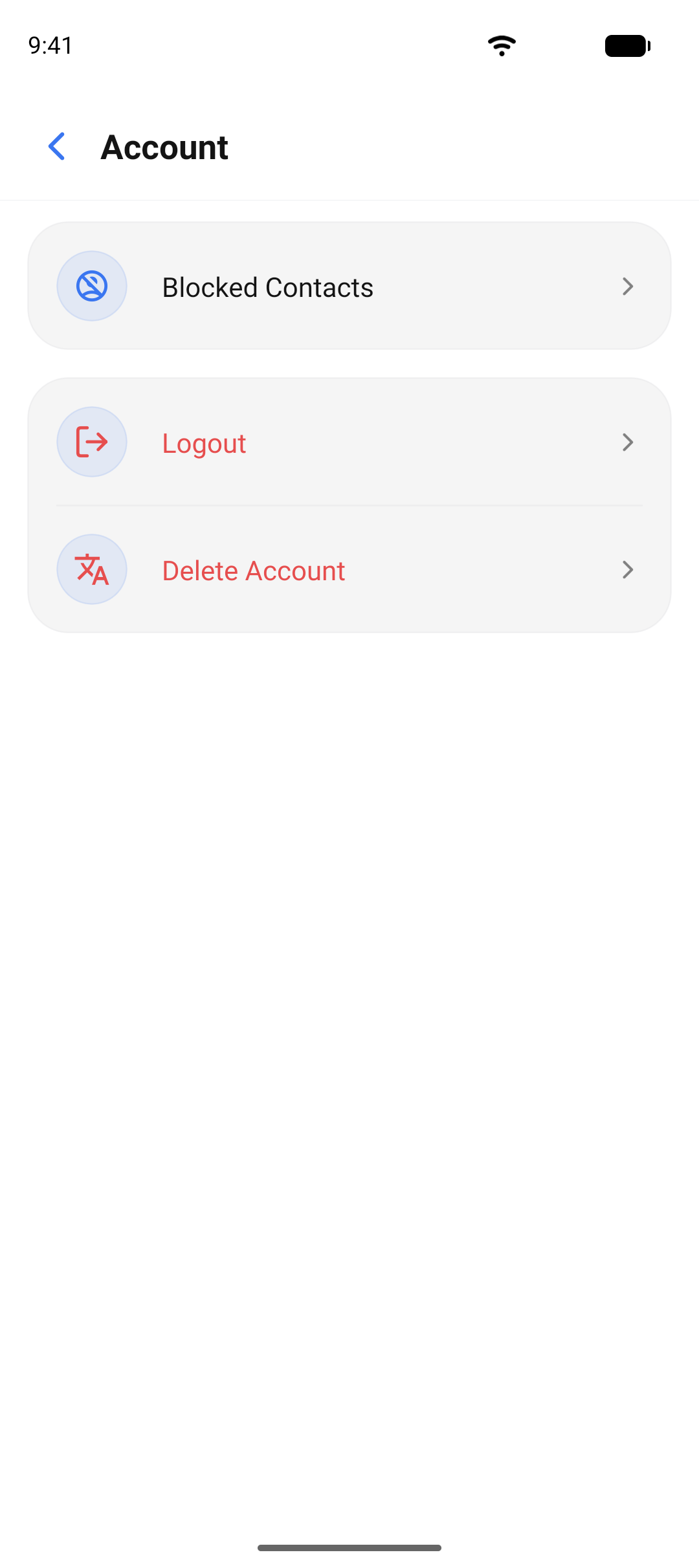
Blocked contacts
Block someone and they cannot message you, call you, or see when you were last online. Unblock whenever you choose.
For the organization
The controls your organization holds
Access policies, auditing, and data sovereignty are decided by the people who run the deployment, not by the app.
Access policies
Who may talk to whom, which devices are approved, and which features are on, set from the admin console.
Auditing
Message and call auditing for regulated teams, through the client-server mode the admin chooses knowingly.
Data sovereignty
Own database, own storage, own domain, in your region or on your servers. Nothing shared with anyone.
Common questions about security
Both provide end-to-end encryption for one to one chats and groups. MLS is the newer IETF standard and Signal is the longer-established design. Your admin picks the one your security team prefers and can switch from the admin console. We are glad to walk through the trade-offs with you.
Bring your security team to the conversation.
Ask us about protocol choice, the client-server mode for auditing, and how the platform fits your compliance requirements.