Groups for conversations, channels for announcements
Gather a team in a group with admins who keep it in order, or broadcast one way to every subscriber through a channel.
- Admins
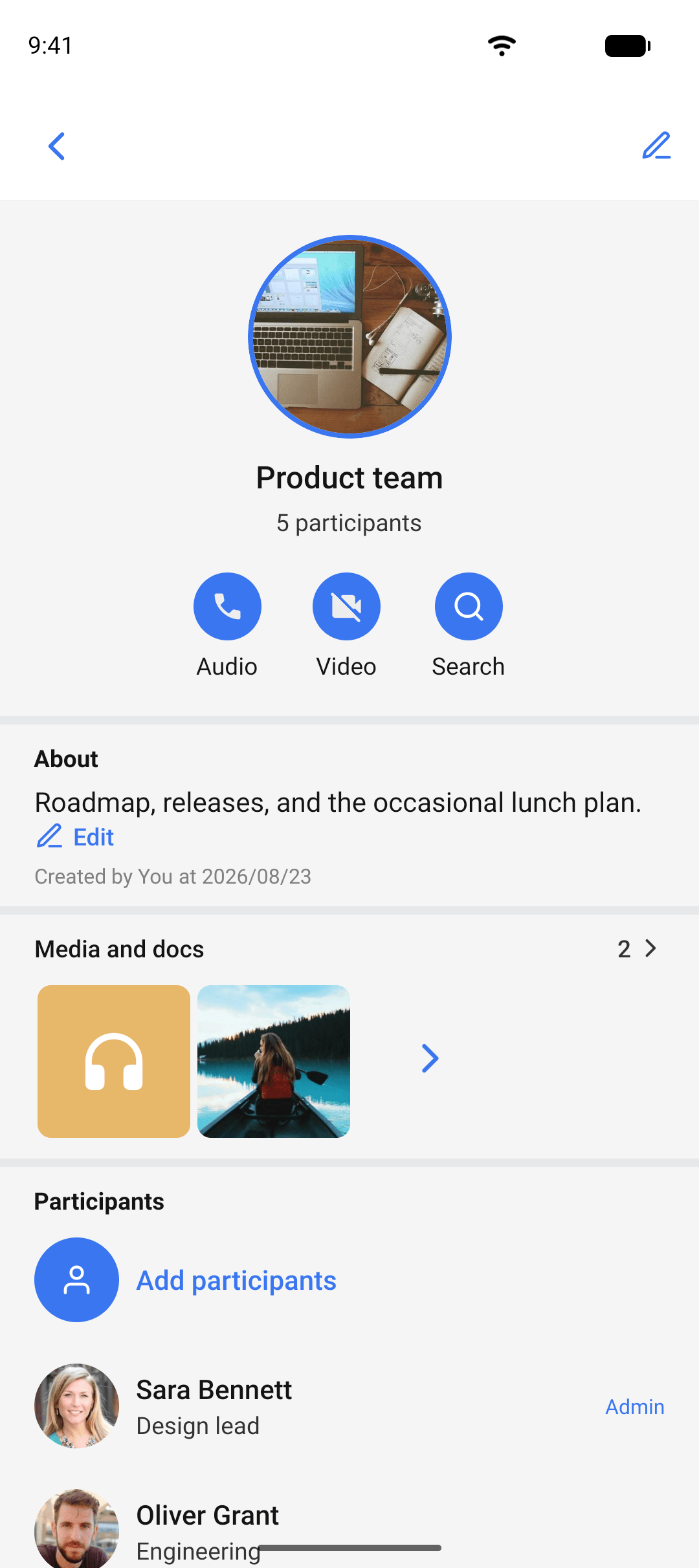
- Add and remove participants
- Group info
- One-way broadcast
- Mute per chat
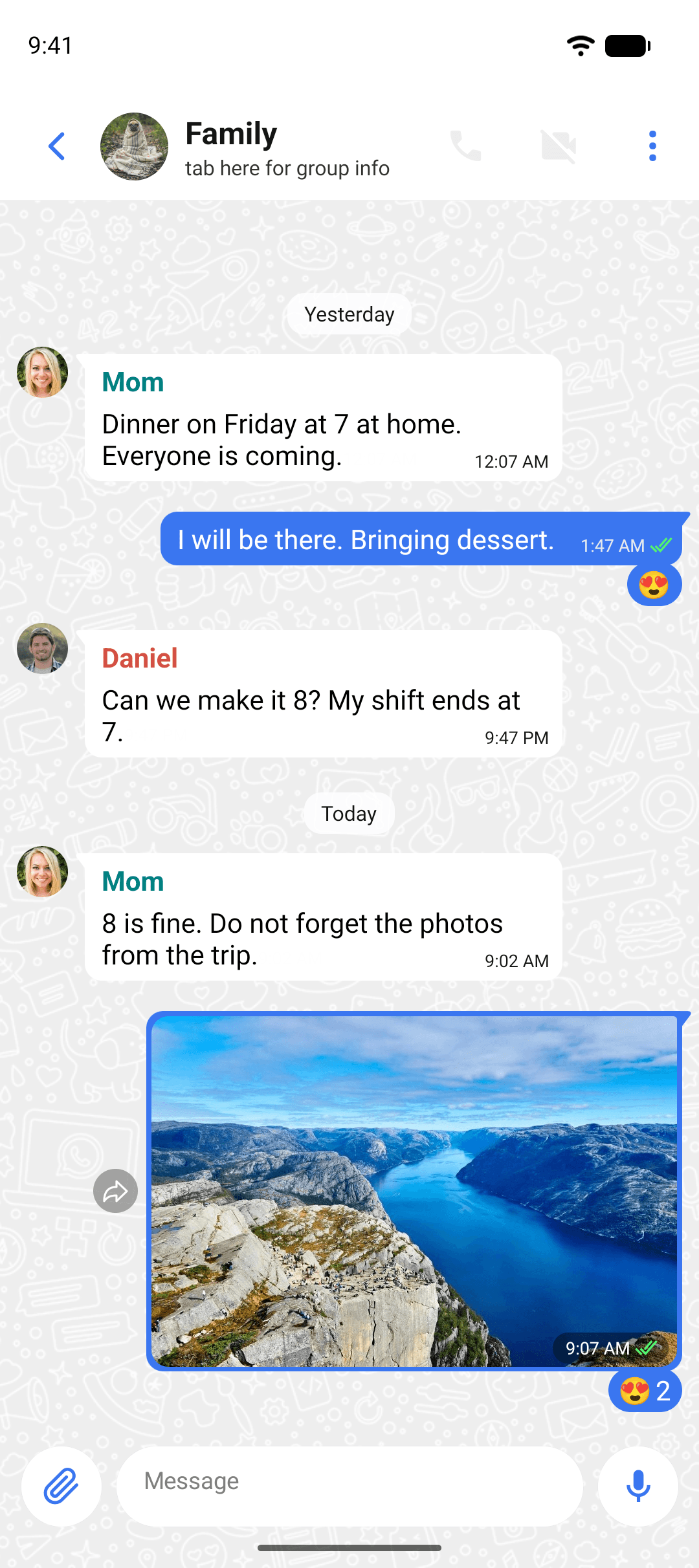
Groups for the people who talk back
Create a group in a few taps, give it a name and a picture, and add the people who belong. Everyone can post, react, reply, and call. Admins add and remove participants, promote other admins, and change the name, picture, and description. Members see who did what.
- Group info shows the members, the shared media, links, and settings on one screen
- Add people from your contacts or invite them with a link the admins control
- Remove someone and they lose access to what is posted from then on. The group's keys change with its membership
- Your organization's admin decides who may create groups and how large they can grow
Channels for the messages everyone should see
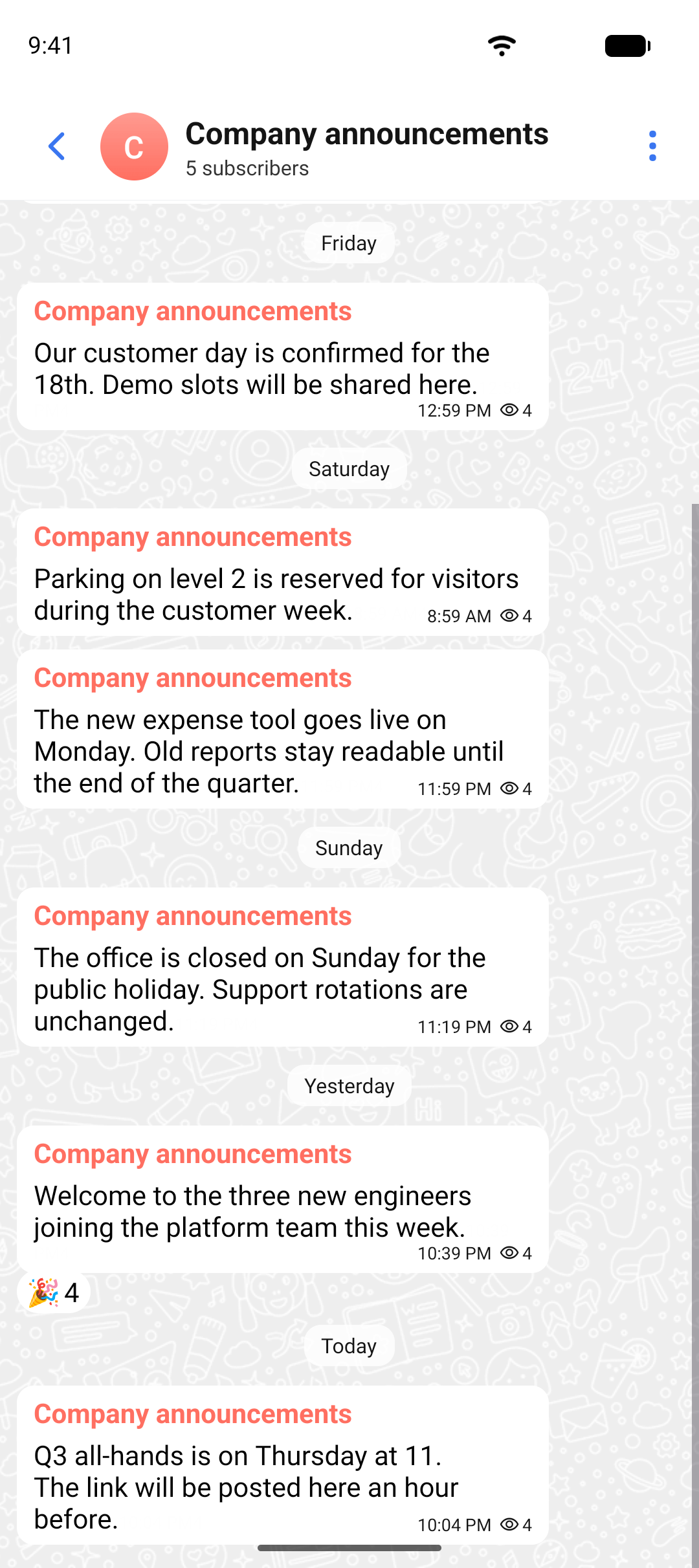
A channel is one way. The owners post, the subscribers read. No replies clutter the feed, so an announcement stays an announcement. Subscribers get a notification when a post lands and can react to it, and the owners see how far the message reached.
- Post once and reach every subscriber
- Subscribers react, nobody replies in the feed
- Open a group alongside the channel when a discussion is needed
Two shapes for many people
Same encryption, same admin limits, a different rule about who gets to talk.
Organize your people the way your organization works.
Ask us about group limits, who can create groups, and channels for company-wide announcements.