Private communication for care teams
Messaging, calls, and meetings that keep patient conversations inside the organization, on a deployment the hospital controls.
- Ward and case groups
- Screen lock
- Device approval
- Meetings with a lobby
- Remote sign-out
What goes wrong today, and what the platform does about it
Care teams talk on their phones anyway
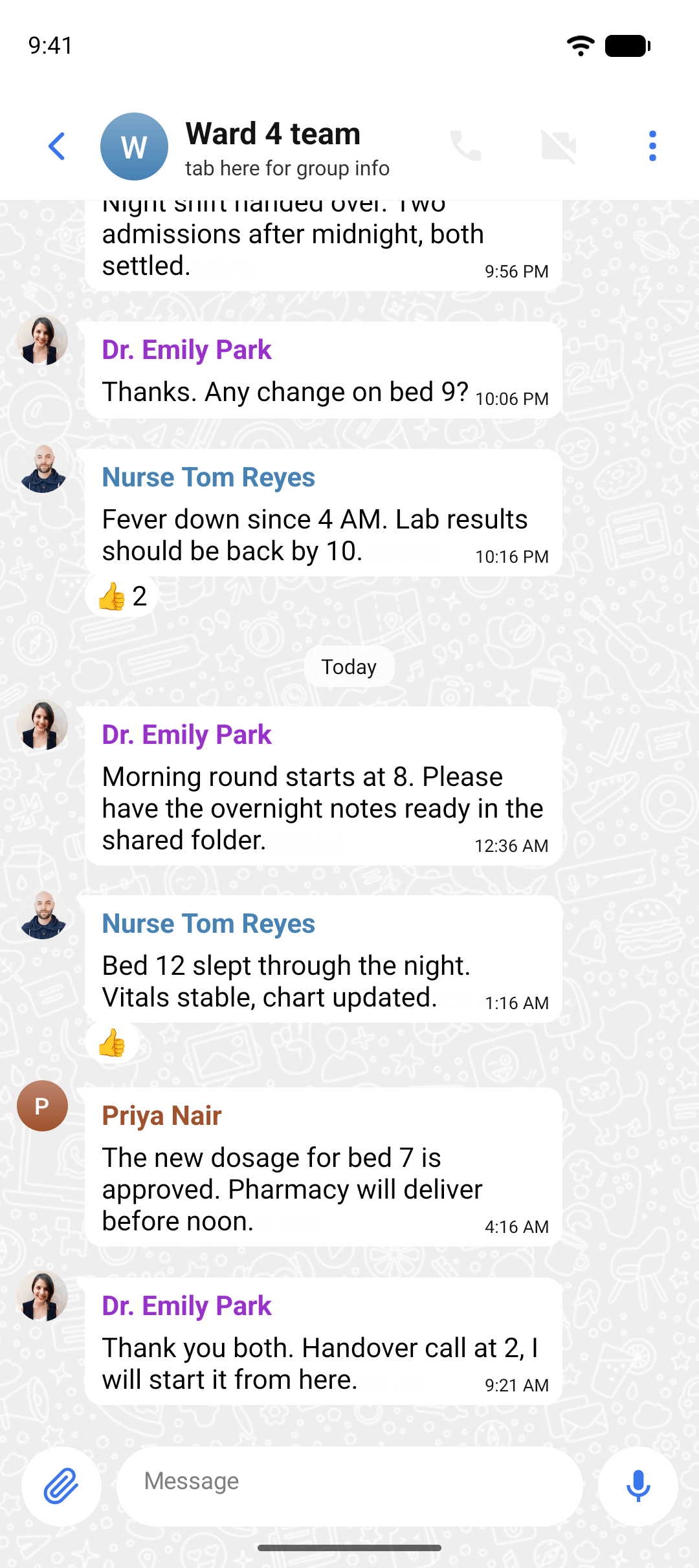
One app for the whole organization, as quick as the ones people use at home, on a deployment the hospital runs. Group chats for a ward, a shift, or a case, with end-to-end encryption on every message.
A phone left on a nurses' station
Screen lock keeps the app closed behind the phone's biometrics or passcode. Device approval means only registered devices can sign in, and an admin can sign a lost phone out from the console in seconds.
A consult should not need a separate tool
A call or a meeting starts from the chat it belongs to. Meetings have a lobby and guest links for outside specialists, and a recording, when the admin allows one, lands in the same chat as the notes.
Privacy at the device, not just on the wire
A phone left on a nurses' station is the most common way a private conversation becomes public. Encryption in transit does nothing about that. Screen lock, device approval, and remote sign-out close the gap where the phone itself is the weak point.
- Biometrics or passcode before the app opens
- Only registered devices can sign in
- A lost phone is signed out from the console in seconds
Questions from care teams
No. With end-to-end encryption, messages are readable only on the devices in the conversation. WhizWiz Technologies provides the software and, if you ask us to, the hosting, but we never hold the keys to your messages.
The features care teams lean on
Give your care teams a private place to talk.
Tell us how your teams work today and we will show you a deployment that protects patient privacy without slowing anyone down.